

There was a time when "managing your store's AI" meant opening yet another dashboard, learning another set of switches, and hunting through settings for the answer to one question.
That's how software used to work. It doesn't have to be how it works now.
AI assistants have become the place where merchants think, draft, and decide. So we brought Upsello into that place. Today we're introducing Upsello MCP — your AI store copilot, already in the AI tool you open every day.
Ready to meet your copilot? Create your Upsello account →
A copilot for the way merchants actually work now
Upsello MCP connects your Upsello AI to a compatible AI assistant — like ChatGPT, Grok, or WorkBuddy. In the same conversation where you already write product copy or plan a campaign, you can now check your store's AI setup, connect your Shopify store, and configure your agent.
This is a small change in workflow with a bigger point behind it: the tools you use should keep up with you. As AI becomes the front door to how work gets done, your store's AI shouldn't live behind a separate login and a different set of menus. It should meet you where you already are.
Your copilot works within the permissions you approve, and nothing changes until you approve it. Your store policies and your decisions stay yours.
Four things your copilot can do with you
Connect Upsello MCP in your AI tool
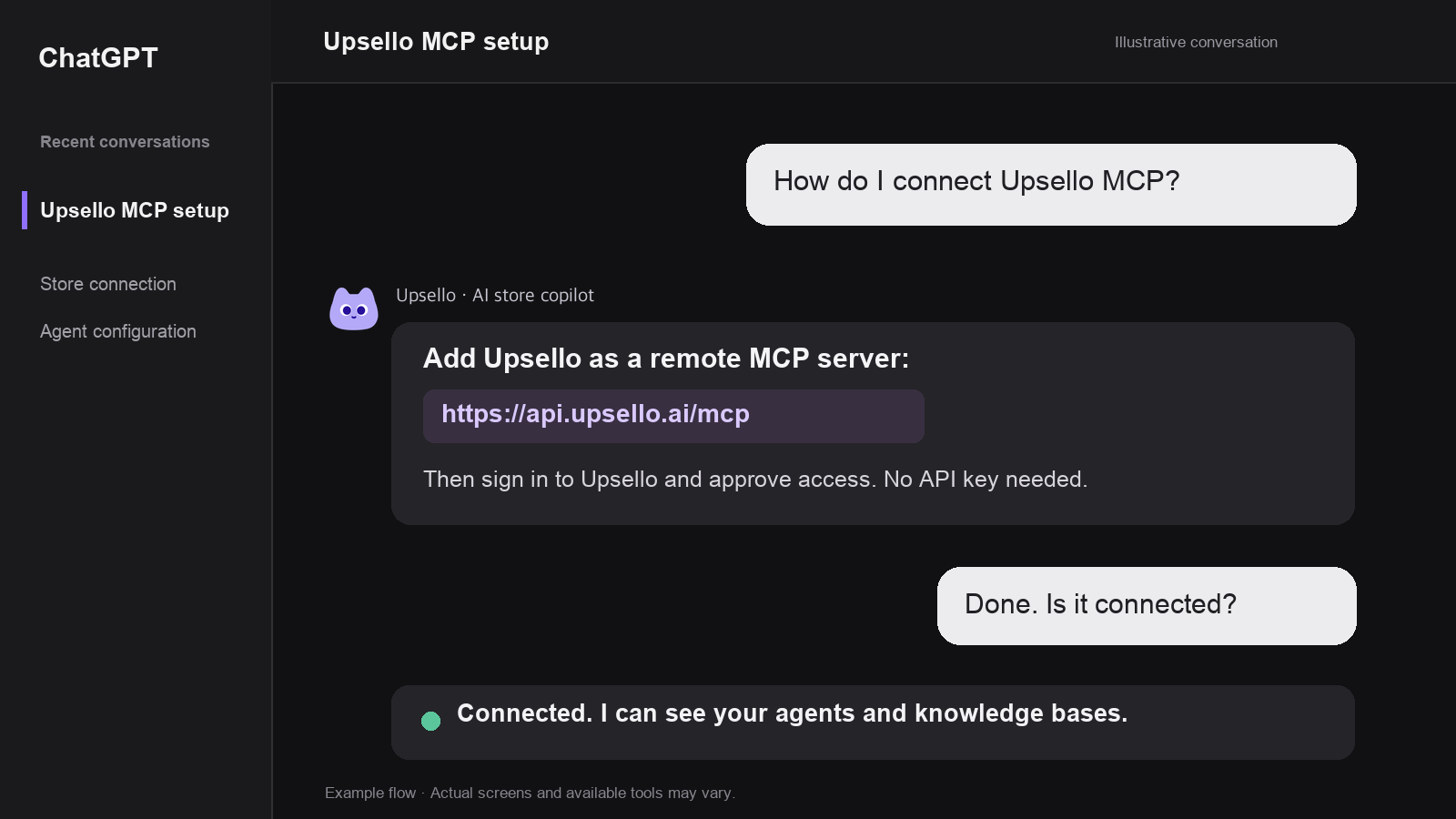
Ask your AI to add Upsello as a remote MCP server:
"How do I connect Upsello MCP?"
https://api.upsello.ai/mcp,
sign in to Upsello, and approve access. No API key needed — Upsello uses browser-based OAuth.
Your account is the first step. Create it here →
Create your Upsello account
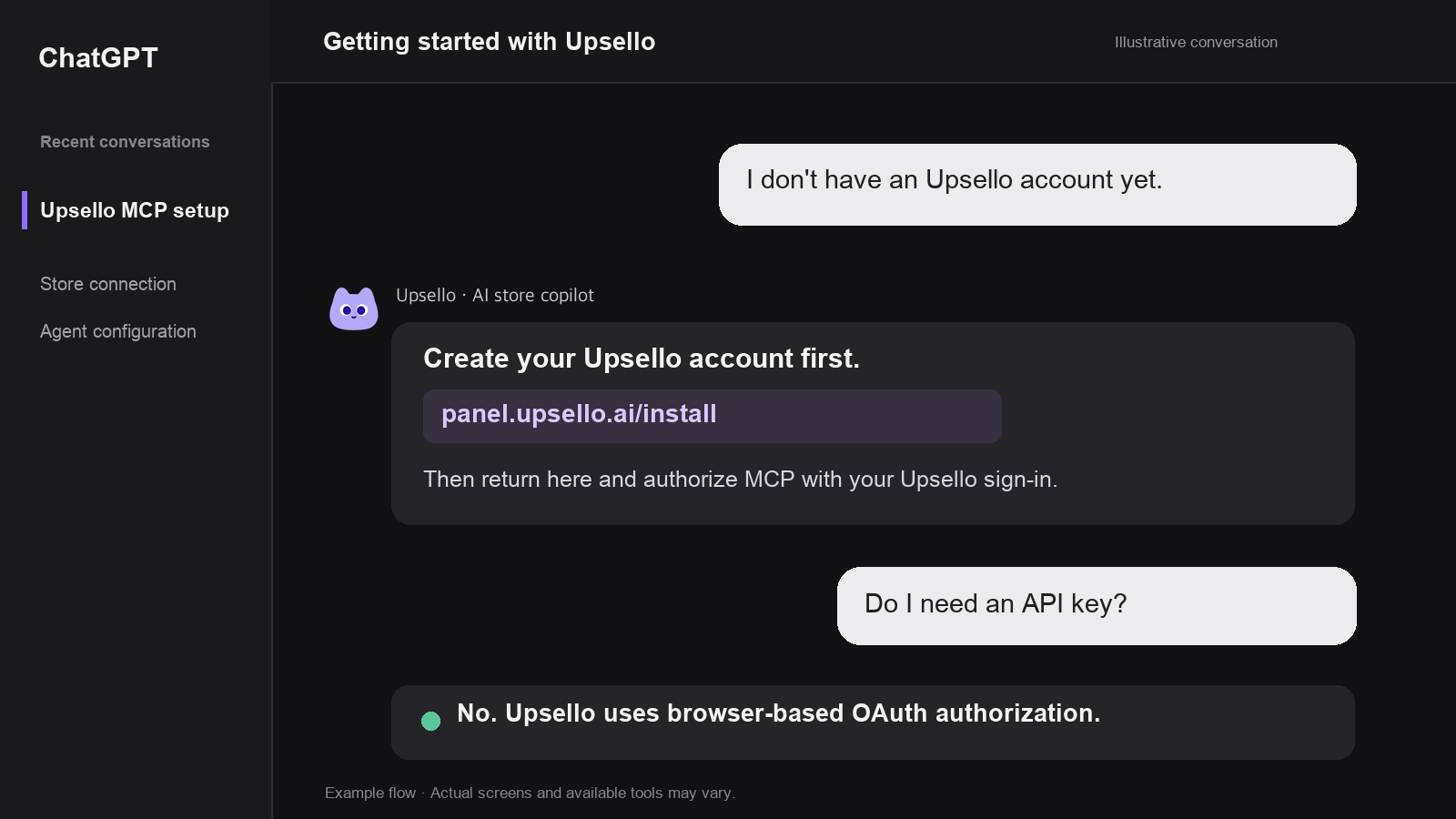
New here? Your copilot will point you to the right place:
"I don't have an Upsello account yet."
Create your account at panel.upsello.ai/install, then come back and authorize MCP with your Upsello sign-in.
Install and authorize your Shopify store
"Help me connect my Shopify store to Upsello."
Your copilot guides you through installing the app from the Shopify App Store and approving access. Once authorization is active, it can confirm the connection for you.
Configure your agent — and know when to hand off
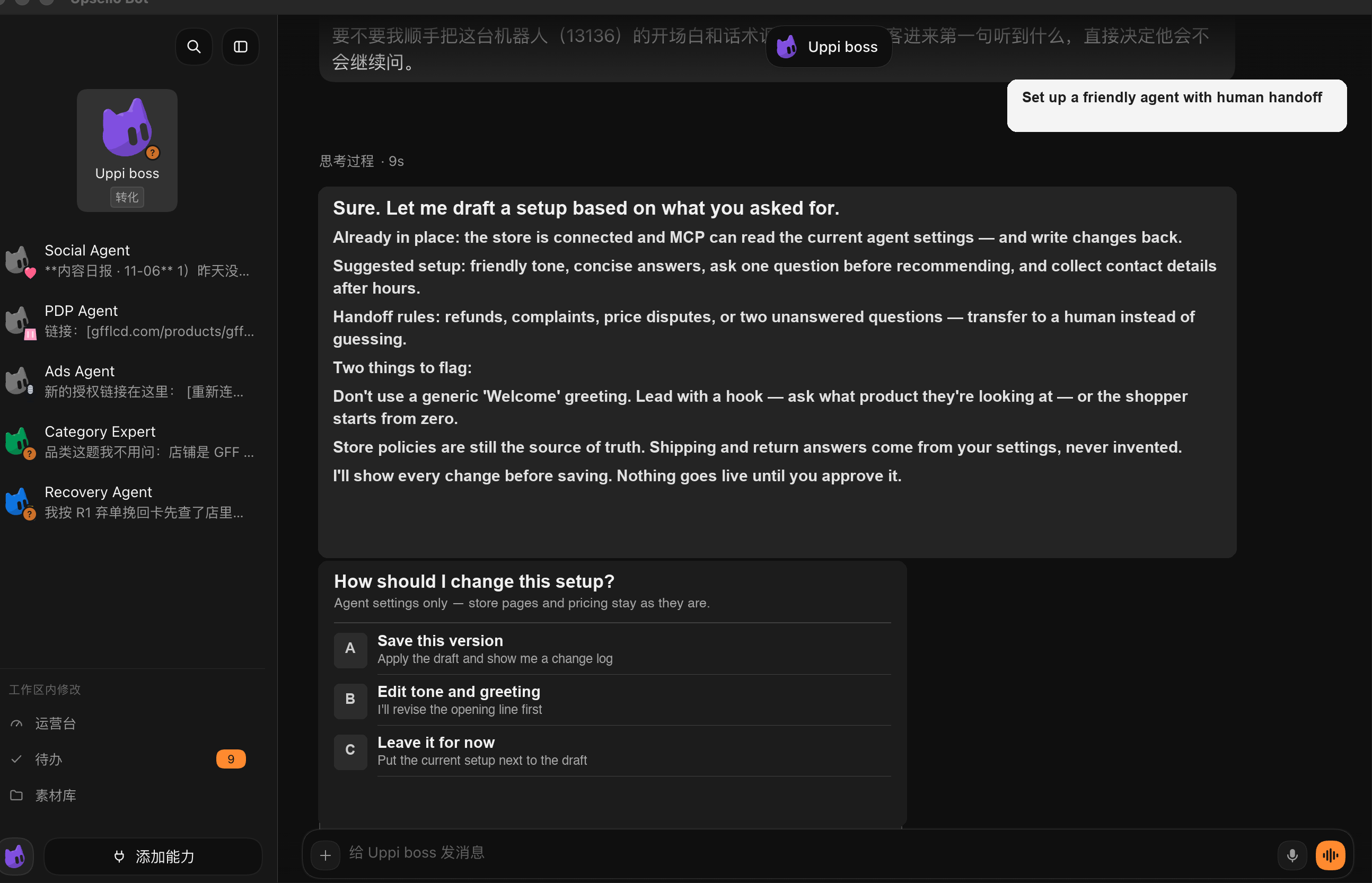
"Set up a friendly agent with human handoff."
Describe the experience you want. Your copilot drafts the settings — tone, greeting, after-hours behavior, human handoff — and shows you the exact changes before saving. Your store policies stay the source of truth, and you approve every change.
Already in your AI tool
You don't need a new workflow to manage your store AI. You need your store AI to show up in the workflow you already have.
Upsello MCP is available on all Upsello plans during the current access period. Start with one request — a connection check, a store setup, a first agent — and see what your copilot can take from there.
- Create your Upsello account and connect your Shopify store.
- Follow the connection guide to add Upsello MCP to your AI tool and complete authorization.
- Ask your copilot to check your setup and help configure your first agent.
Create your Upsello account → · Explore Upsello MCP · Read the connection guide
Example conversations shown for illustration. Actual screens and available tools may vary by AI client.


