

Get ready before the rush. Keep helping shoppers after Black Friday.
Upsello’s Black Friday offer is here for Shopify merchants: buy one month and get an additional month free on the same plan, starting at US$39/month. Starter includes 1,500 AI auto-replies per month—3,000 across the two-month offer.
Give your store time to prepare, handle the promotion, and keep helping shoppers afterward. Set up relevant product comparisons, budget guidance, bundle recommendations, and cart recovery workflows before traffic peaks, then continue refining the experience through the follow-up period. Available features depend on your plan.
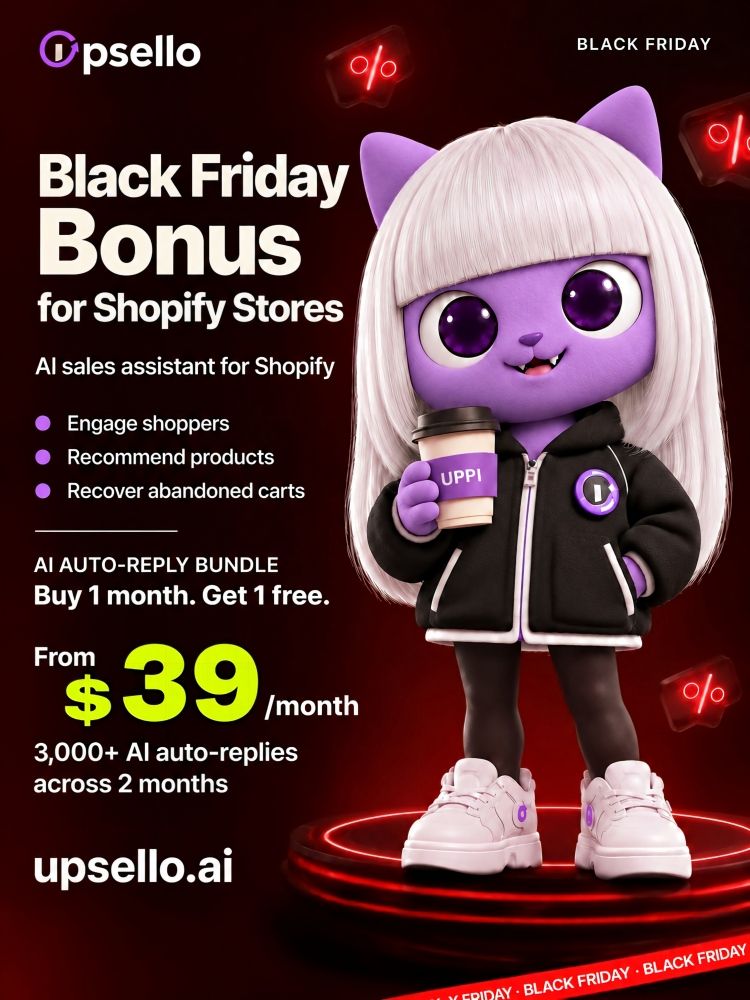
Buy 1 month. Get 1 free on the same plan. Starter from US$39/month. 3,000 AI auto-replies across 2 months.
Register for the Black Friday Bonus Month
Use this dedicated campaign link to register, then follow the paid activation process to claim your bonus month. Schedule your activation around your campaign; service dates depend on when your paid and bonus months begin.
Give shoppers a reason to keep going
A visitor is interested but cannot choose between two products. A cart is ready, but shipping costs raise a question. Someone is about to buy, then pauses to check the return policy.
Upsello focuses on these moments: identifying potential drop-off signals, checking product and store information, and offering relevant help while there is still a purchase decision to support.
Here is why that matters this holiday season—and how proactive AI selling can fit into your Black Friday preparation.
A bigger shopping event, with new ways to discover products
Shopify reported that its merchants generated approximately US$14.6 billion in global BFCM sales in 2025, up 27% year over year. The figure covers their online and offline GMV. Source: Shopify’s 2025 BFCM report
This year, discovery is changing too. Adobe reported that AI referrals to U.S. retail sites grew 71% year over year in September 2026, with 83% higher revenue per visit than non-AI traffic. Those are observed differences between traffic sources, not the expected impact of installing a chatbot. Source: Adobe, October 29, 2026
Shopify’s expansion of Agentic Storefronts also connects product discovery and shopping with AI conversations. Source: Shopify, March 24, 2026
Our takeaway for merchants: prepare both the information that helps shoppers find you and the assistance they receive when they reach your store.
The core capability: spot purchase friction before shoppers leave
Some of your most valuable shopping signals arrive without a message. A visitor moves between similar products, adds an item to the cart, checks delivery information, and pauses. They have not asked for help—but there may already be a decision your store can help them make.
Upsello connects available browsing and cart signals with product knowledge and merchant rules to identify potential drop-off risks and offer a relevant next step while the shopper is still engaged.
That is the core of its proactive AI Sales Agent: recognize a shopping situation, check the facts, and choose an appropriate intervention. One shopper needs a comparison. Another needs an option within budget. Someone else needs to understand the return policy before paying.
The following Black Friday playbook adapts the eight scenarios in Upsello’s guide to proactive selling moments. Dialogue examples illustrate the approach; execution depends on enabled workflows, available data, and store permissions.
Product indecision: make the differences useful
Signal: Repeated movement between similar products without progressing toward the cart.
Action: Ask which criterion matters most, then compare relevant specifications, sizes, materials, and available variants. Explain which option fits which need.
Opening: “Are you choosing between these two? Is portability or capacity more important for how you’ll use it?”
Budget uncertainty: find a suitable trade-off
Signal: Movement between price tiers may indicate uncertainty about what is worth paying for.
Action: Clarify the budget and essential features. Present suitable options and explain what an upgrade adds. Recommend the lower-priced option when it better matches the need.
Opening: “If you want to stay within budget, which feature would you least want to give up?”
Styling hesitation: connect related interests
Signal: Browsing across related clothing or home categories without settling on a combination.
Action: Confirm the intended look, use, and budget. Use maintained product relationships, sizes, and inventory to suggest a small, coherent selection and explain each match.
Opening: “Putting a full look together? I can suggest a few pieces around this item and your preferred style.”
Unclear bundle value: show what the complete set adds
Signal: A viewed or carted item belongs to an available, configured bundle.
Action: Explain the components, quantities, uses, and total price. Verify stock and eligibility before describing savings, and preserve the option to purchase the original item alone.
Opening: “This also comes in a set. Want to see what’s included and how it compares with buying separately?”
Price objections: apply an eligible incentive thoughtfully
Signal: The interaction suggests a price concern, and the shopper meets the merchant’s promotion criteria.
Action: Check scope, dates, thresholds, and stacking rules before explaining an authorized offer. Identify the concern first; a pause should not automatically trigger a coupon.
Opening: “There’s a current offer for this item. Would you like me to check whether your cart qualifies?”
Shipping-cost friction: make the options clear
Signal: A cart is close to an applicable free-shipping threshold and progress stalls around shipping or checkout.
Action: Calculate the gap for the current market, currency, and cart. Suggest a relevant, eligible add-on and explain the resulting spend so the shopper can decide whether it is worthwhile.
Opening: “Want me to check how close your cart is to free shipping and whether there’s a useful add-on to consider?”
Purchase anxiety: surface the assurance that applies
Signal: Repeated visits to delivery, return, or warranty information before purchase.
Action: Ask which concern matters, then explain the terms applicable to the product and market. Pass exceptions or unverifiable commitments to a person with the conversation context.
Opening: “Would you like to check delivery timing or return terms before deciding? I can look up the details for this item.”
Cart hesitation: resolve the obstacle while the shopper is still there
Signal: A cart stops progressing or an accessible page provides a potential exit signal.
Action: Ask whether the obstacle involves the product, shipping, payment, or an interruption. Offer appropriate help and a valid route back to the cart or item. See the Shopify cart recovery workflow for the related recovery use case. Stop when the shopper declines or completes the purchase. Post-visit follow-up requires separately connected channels and the relevant permissions.
Opening: “Is there something holding up your order? I can help check the product, delivery, or cart details.”
Eight strategies give the agent more ways to choose one useful next step. Trigger priorities, frequency limits, and respect for dismissals keep assistance relevant. For merchants, the opportunity is to turn catalog, cart, and policy information into timely action while there is still a purchase decision to help with.
What to prepare before Black Friday
Clean up your priority products. Start with the items featured in your campaign. Check variants, specifications, stock information, use cases, and differences between similar products.
Make promotion and delivery rules explicit. Document eligibility, exclusions, stacking rules, shipping regions, delivery estimates, and returns. An assistant should not invent a delivery promise or an exception.
Define when help is welcome. Set your brand voice, engagement conditions, frequency, promotion permissions, and handoff rules. Begin with a small number of useful scenarios.
Test real questions. Try product comparisons, incompatible discount combinations, unavailable items, and delivery questions. Check the mobile experience, product links, and the ability to dismiss chat.
Measure beyond conversation volume. Review accuracy, handoffs, cart progression, and purchase outcomes. If possible, use a comparison group. An order that followed a conversation is not automatically an incremental order caused by AI.
Start quickly, then test carefully
Upsello supports a Shopify connection and self-service configuration, so you do not need to build a chat system from scratch. A practical rollout follows four steps: connect your store, sync product and policy information, configure the selected workflows, and test before going live.
Actual readiness depends on your store setup and the quality of your information. Start with bestsellers and common pre-purchase questions, then expand the supported scenarios. Give your team time to verify the promotion before peak traffic arrives.
Upsello is a newer proactive marketing tool, built on experience serving customers that include leading businesses in their sectors. We are bringing that experience to more Shopify merchants with a straightforward way to evaluate AI-assisted selling in their own stores.
The Black Friday offer: buy one month, get one additional month
Shopify merchants can purchase one month and receive an additional month on the same plan through this campaign.
- Starter plans start at US$39/month.
- Starter includes 1,500 AI auto-replies per month: 3,000 across the two-month offer.
- The bonus month is on the same plan; other plans have their own features and allowances.
Use the additional month to continue testing and improving shopping assistance around your holiday campaign. Your coverage depends on the actual activation dates, so confirm when the bonus month takes effect.
Register through the dedicated campaign link to participate:
Register for Upsello’s Black Friday offer
After registration, follow the campaign process to activate a paid plan and claim the bonus month. Registration alone does not activate the paid offer. Review eligibility and subsequent renewal terms before purchase.
Frequently asked questions
Is the Starter allowance 3,000 replies every month?
No. It is 1,500 AI auto-replies per month, totaling 3,000 across the two-month campaign offer.
Does the US$39 plan include every sales feature?
Features vary by plan. Check the workflows, recovery channels, and catalog capacity you need before choosing a tier.
Will the assistant automatically discount every purchase?
No. Promotional actions must follow your configured rules. Many shopping questions can be resolved through product guidance or accurate policy information.
Do I need to replace my existing support tools?
Review your current setup and the available configuration first. Begin with a defined shopping use case and decide how it should fit your workflow.
Make room in your Black Friday plan for the question that comes just before the purchase.


