
 Language
Before a Shopper Asks: 8 Proactive Selling Moments for Upsello’s Shopify AI Sales Agent
Explore eight proactive selling moments for an Upsello Shopify AI Sales Agent, from product comparison and bundle recommendations to purchase reassurance and…
By Upsello Team

A shopper opens three product pages in your Shopify store. She checks the prices, returns to the product details, adds one item to her cart, and then stops before paying. She has not asked support a single question.
That is an easy moment for a store to miss. The shopper is interested, but she does not yet have enough information to decide. A conventional support chat waits for her to ask. A static pop-up may interrupt her when she does not need help. Upsello aims to make that gap a useful, measured sales conversation: use available onsite behavior, current product information, and merchant rules to offer help at the right moment, then make a recommendation the store can substantiate.
This is how Upsello approaches proactive selling as an AI Sales Agent for Shopify. It can answer a direct size question, but it can also guide a shopper who is comparing, building an outfit, considering an add-on, or hesitating near purchase. For the shopper, the value is a shorter route to a suitable choice. For the merchant, it is a chance to make previously silent buying intent part of a sales process that can be observed and tested.
Quick answer: Upsello’s proactive selling framework covers eight shopping moments: product comparison, budget exploration, style matching, bundle recommendations, targeted offers, free-shipping nudges, purchase reassurance, and cart recovery. Each follows the same principle: identify an eligible signal, check the relevant product or policy facts, then offer an appropriate next step. The dialogues in this article are illustrative, not customer case studies or outcome claims.
What is AI proactive selling, and how is it different from a support chat?
A typical support chat begins with a shopper’s question. The shopper asks about stock, sizing, or returns; the system looks for an answer. Proactive selling adds a decision before that point: has a shopping situation emerged in which help would be useful? A visitor may repeatedly compare similar products. A cart may be close to a real free-shipping threshold. A shopper may revisit the return policy before paying.
A signal does not reveal what someone is thinking. Switching between products could mean comparison, or it could just be browsing. Upsello should therefore open with an offer the shopper can decline, not a diagnosis. “Want me to compare the differences between these two?” is more accurate and natural than “I know you are worried about the price.”
Useful proactive conversations also need store facts. The agent cannot guess whether a variant is available, what a bundle contains, whether a promotion applies, or how the shipping threshold is calculated. Our guide to how AI shopping assistants work explains the path from customer need to grounded recommendation. For a broader view of discovery, recommendations, comparison, and human handoff, see AI shopping assistant capabilities. This article focuses on the next question: when the shopper has not asked, when should the sales assistant appear, what should it say, and where should its authority end?
How does Upsello decide when to speak?
Proactive selling is unlikely to work if it means showing more pop-ups. A better workflow has three layers.
The first is behavioral signals. Where the merchant enables them, the platform permits them, and privacy requirements are met, Upsello can use product views, movement between similar items, cross-category browsing, cart changes, and available exit signals to determine what kind of help may be relevant. These are clues, not proof of identity or motivation.
The second is conversation decisions. The agent considers the catalog, variants, prices, inventory, product relationships, shipping terms, and promotion rules to decide whether to compare, recommend, explain a policy, or stay quiet. If a key detail is missing, it should ask one question that could actually change the recommendation. Good guided shopping reduces the work of choosing; it does not trap shoppers in a long interview.
The third is controlled action. The conversation may lead to a relevant product or variant, explain a current offer, suggest a compatible add-on, or bring in a person when the question needs judgment. Offers, cart changes, and offsite messages must follow the merchant’s real configuration and permissions. The agent must also report truthfully whether an attempted action succeeded.
The eight scenarios below follow the shopping journey: browsing and choosing, cart building, then checkout and recovery. Merchants can configure each workflow to fit their marketing goals. When the relevant product data, store rules, and page signals are ready, we recommend enabling all applicable scenarios so the agent can help across more buying moments—not showing all eight messages to one shopper. Each moment should trigger only the most relevant conversation, if any.
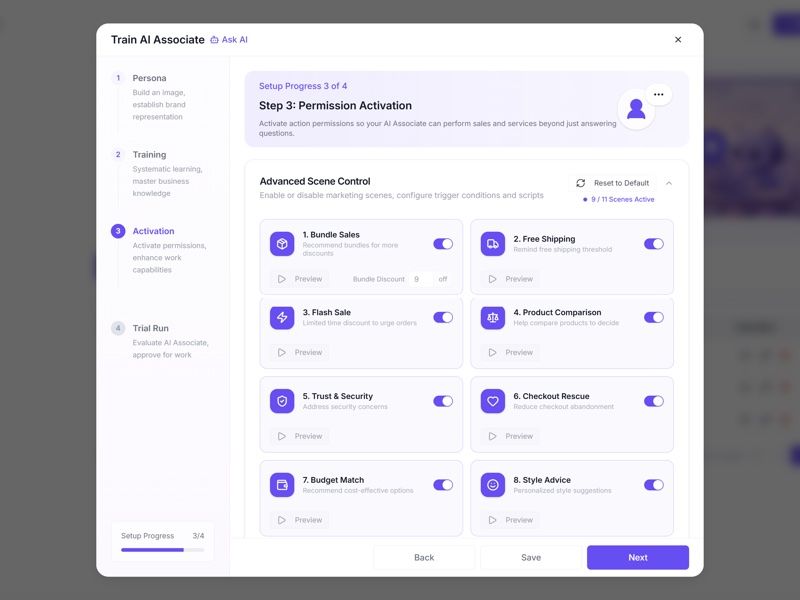
The eight conversation images below are newly created editorial illustrations, not screenshots of a live merchant store or proof that every workflow is enabled by default. The product examples and conversations are illustrative.
Scenario 1: Product comparison makes the differences clear
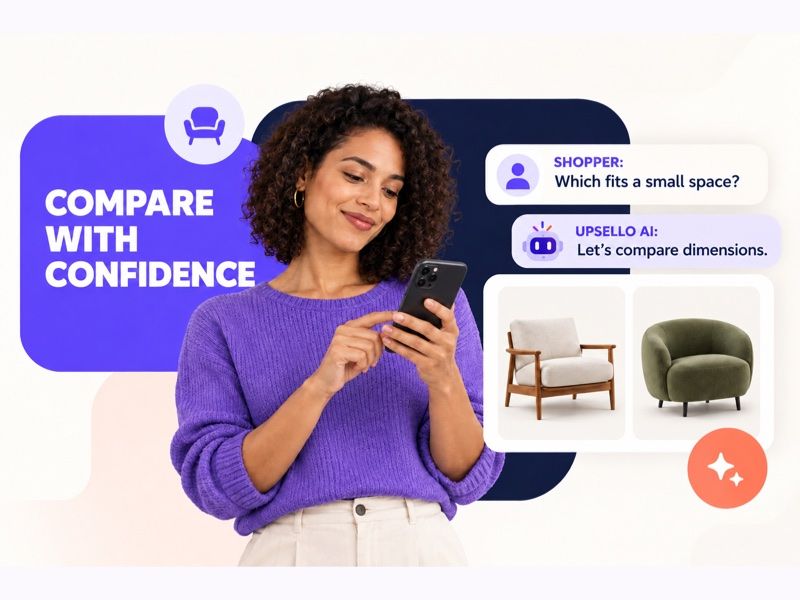
Visual: Identify the difference the shopper cares about before recommending a fit.
When a shopper repeatedly looks at products with a similar purpose, she may know what category she wants but still be stuck on which item to buy. Another carousel of bestsellers does little to reduce that work. A better response is to find out what matters most, then make the differences that affect her choice easy to see.
Suppose she is moving between several chairs. Upsello could ask, “Want me to compare these? Is space, comfort, or budget your top priority?” It can then use the merchant’s dimensions, materials, configurations, prices, and sellable variants to explain where each chair fits. If a crucial specification is missing, it should say so instead of substituting empty language such as “more premium” or “more comfortable.”
The purpose is not to push the more expensive chair. It is to help the shopper choose the better fit. Our AI product comparison guide goes deeper into useful comparison fields, common mistakes, and testing.
Scenario 2: Budget exploration finds a choice the shopper can feel good about
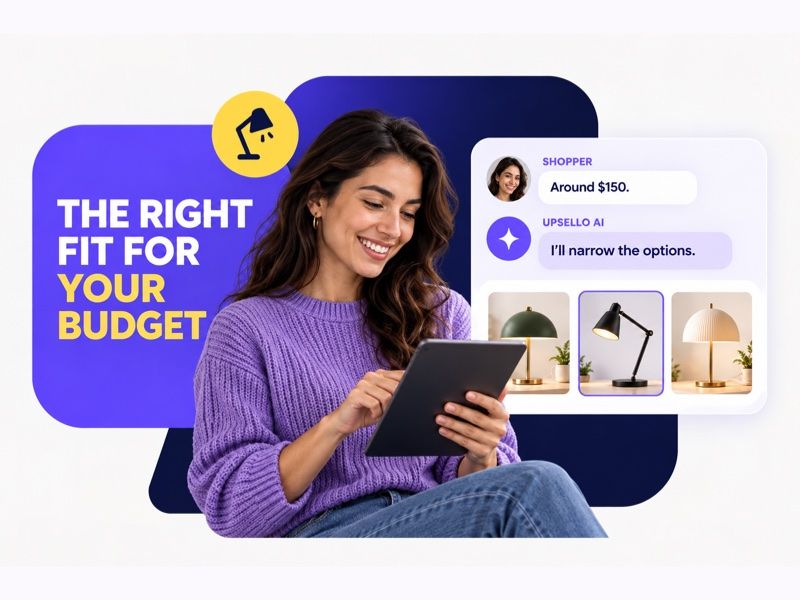
Visual: Explain the trade-off rather than simply pushing a higher price.
Some shoppers start with an entry-level item, look at a more expensive one, and then return to the middle of the range. They may be testing a budget or deciding whether a particular feature is worth paying for. A discount immediately reduces the issue to “too expensive.” Pushing the highest-priced item may ignore a firm spending limit.
Upsello can ask a light, useful question: “If you have to balance price and performance, which feature would you least want to give up?” It can then narrow the current sellable catalog and explain the trade-off. One desk lamp may cost more because it offers adjustable color temperature; another may cost less without it. If the shopper does not need that feature, the less expensive lamp may be the better recommendation.
A good budget interaction does not necessarily produce a larger basket. Helping people buy a suitable product with confidence, while avoiding preventable returns, is a stronger long-term goal. Recommendation reasoning and honest no-match behavior are central AI shopping assistant capabilities.
Scenario 3: Style matching turns scattered browsing into a coherent set
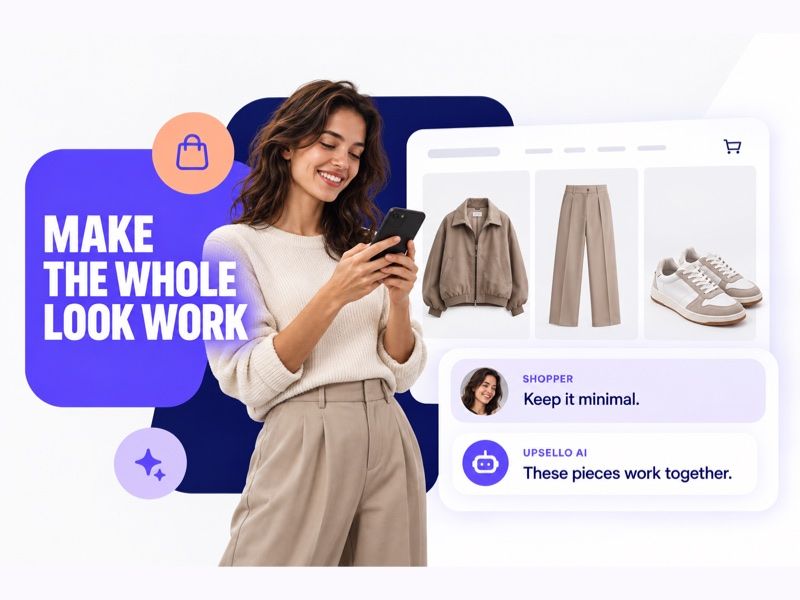
Visual: A style question can lead to a small set of items that belong together.
A shopper looks at a sofa, then an end table and pillows. In an apparel store, she may view a jacket, trousers, and shoes. She may be putting together a look. The helpful response is not a mechanical “buy one more.” It is to connect items that actually work together in the same conversation.
A natural opening might be, “Are you putting a full look together? I can find a few pieces that work with your preferred color and budget.” Upsello can use the merchant’s maintained style tags, product relationships, size information, and inventory to suggest a short list and explain each match. Similar color does not guarantee the right size. A matching appearance does not prove compatibility. If the store has not established a relationship, the merchant should review it before the agent makes the claim.
This creates a chance to improve discovery and relevant attachment, not a license to fill the cart with unrelated items. Merchants can review clicks and adds to cart alongside returns to see whether the combinations genuinely help shoppers.
Scenario 4: Bundle recommendations verify the set before explaining the value
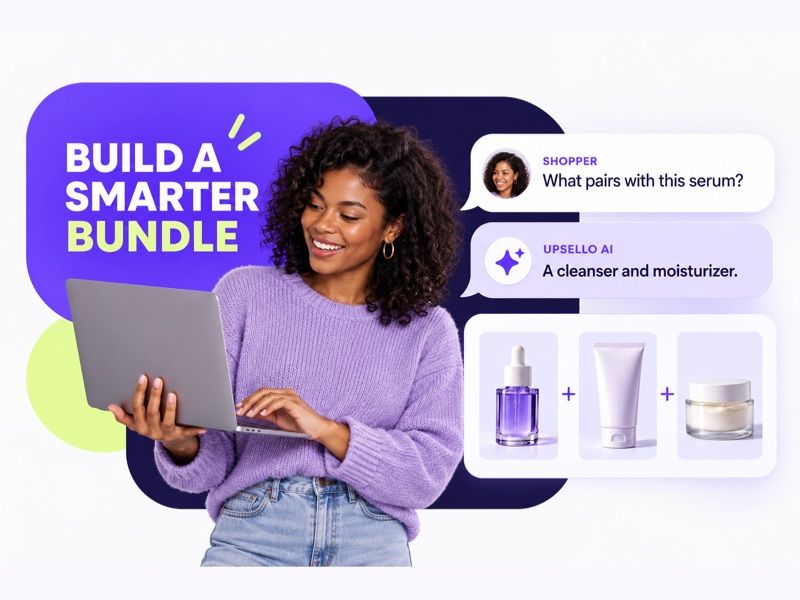
Visual: Bundle suggestions depend on verified product relationships and offer rules.
When a shopper views or adds an item that belongs to an existing bundle, Upsello can introduce the full set. If someone has chosen a serum and the store offers a verified routine that also includes a cleanser and moisturizer, the agent could ask, “Want to see the complete routine and what each item adds?”
“Current” and “what is included” do important work. The bundle’s variants, quantities, total price, eligibility conditions, and inventory must match the store’s configuration. If one component is sold out, or the bundle does not save money compared with buying separately, the assistant should not call it the better deal. The shopper should still be able to buy the original item alone.
Merchants can track bundle views, attachment, order contribution, and support issues. Bundles may improve order completeness; whether they lift average order value in a particular store needs that store’s own test.
Scenario 5: Targeted offers reserve discounts for the moments that need them
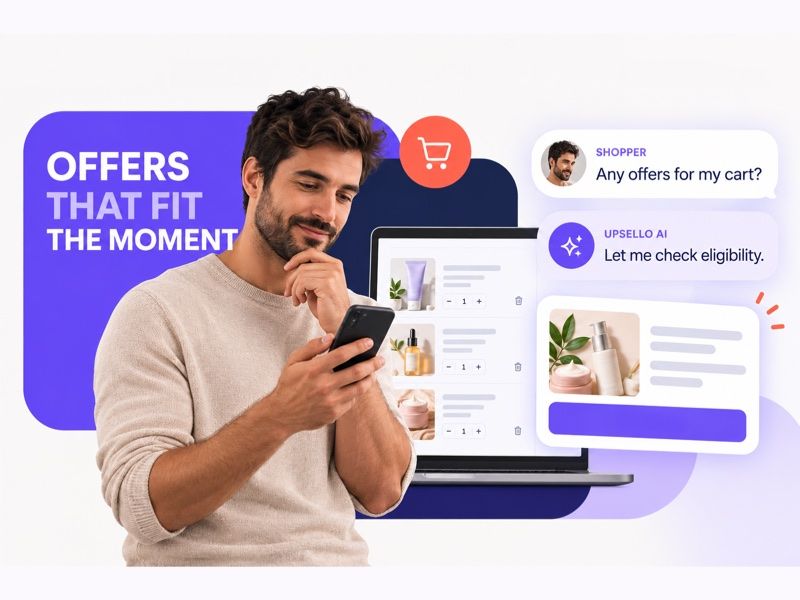
Visual: An offer follows the merchant’s rules; it should not appear after every pause.
Coupons can work, but they are easy to overuse. If every pause in the cart generates a discount, the store may subsidize orders that would have happened anyway and teach shoppers to wait for a code. Upsello should treat an offer as an action with a cost, not its default greeting.
Only when the merchant has configured an eligible audience, validity period, product scope, and margin limits, and when the shopper shows a sufficiently strong price-objection signal, should the agent explain an available promotion. For example: “This item is eligible for a current store offer. Want me to check what it would save at checkout?” That statement must map to a real rule. Invented codes, false countdowns, and “exclusive prices” the store cannot honor have no place in the conversation.
Often the missing piece is information about fit, shipping, or returns, not a lower price. Real-time checkout recovery should identify the blocker before deciding whether an incentive is warranted.
Scenario 6: A free-shipping nudge suggests something the shopper may actually use
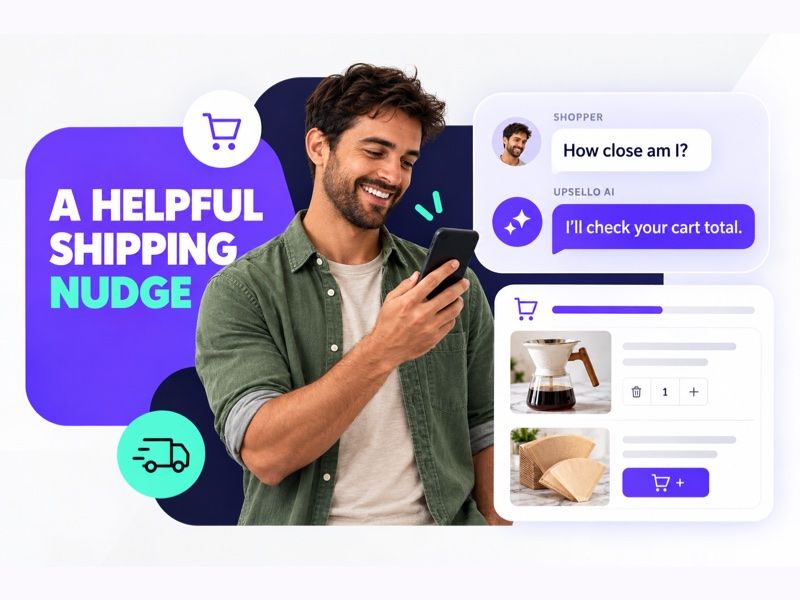
Visual: A cart-context nudge can open the conversation; any threshold or add-on must follow the store’s actual shipping rules.
“You are $12 away from free shipping” is information. “This $15 item complements what is in your cart and meets the threshold. Want to see it?” could be help. But the store must actually have an applicable free-shipping rule. The agent must calculate the gap using the current market, currency, and cart, and the recommended item must be relevant, sellable, and eligible without creating a conflicting condition.
Upsello can show the remaining amount when a cart is close to a threshold, then offer one small, useful option. If the shopper does not need an add-on, it should let them continue to checkout. Buying an unwanted item to avoid shipping does not create a better experience.
To evaluate this scenario, a merchant should look beyond basket size and include shipping subsidy and product margin. Our Shopify free-shipping threshold guide explains threshold setting, relevant add-ons, and how to avoid increasing order value while weakening profit.
Scenario 7: Purchase reassurance surfaces the assurance that truly applies

Visual: Return-policy reassurance requires current information that applies to the product and market.
Some shoppers accept the price but still do not pay. The question may be about delivery, returns, warranty, payment security, or fit. A coupon can cost the store money without addressing the concern. It is more useful to ask which risk matters, then explain the facts the merchant has published for that product and market.
For example: “Would you like to check delivery timing or the return terms first? I can look up the information the store currently provides.” If an item is final sale, Upsello must say so. If the system cannot verify an arrival date, it must not promise “Friday delivery.” Ambiguous policies and exceptions requiring merchant judgment belong with a person.
Trust does not come from saying “buy with confidence.” It comes from specific information the store can verify. Our proactive AI reassurance guide explores how return, warranty, and delivery terms can become timely, accurate purchase help.
Scenario 8: Cart recovery addresses the obstacle before inviting a return
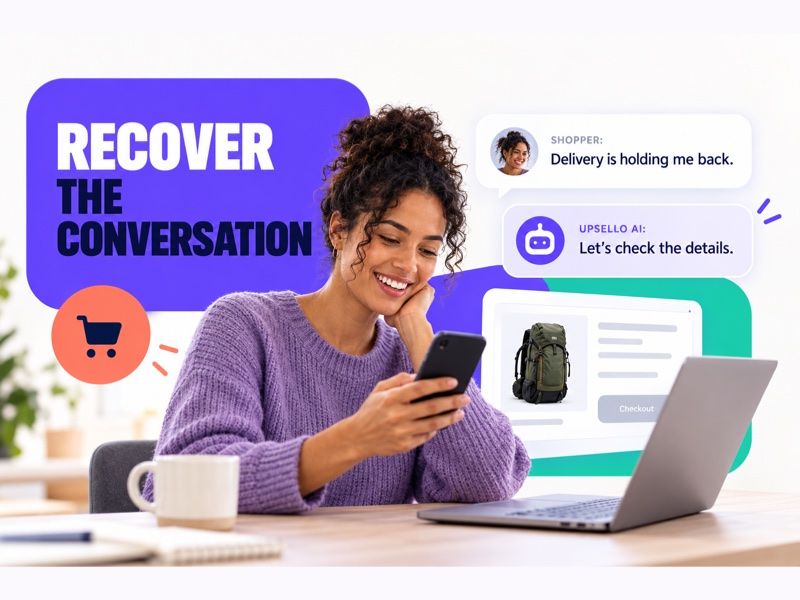
Visual: An onsite checkout conversation can surface the blocker; any live recovery flow must still check cart and product validity.
When someone leaves a product page, cart, or reachable pre-checkout point, the store may still have a chance to help. It should not read “leaving” as “wants a discount.” The shopper may have hit a payment problem, seen an unexpected shipping cost, or simply been interrupted.
While the shopper is still onsite, Upsello can ask briefly, “Did something get in the way of checkout? I can help check the product, delivery, or return details.” If the shopper wants to continue, the agent should restore a valid path to the cart or selected product. It should stop when the purchase is complete, the shopper declines, the product is unavailable, or the link has expired. Email, SMS, and other post-visit channels require the merchant to connect those channels, hold the necessary consent, and follow the relevant contact rules. An onsite conversation should not be presented as automatic cross-channel messaging.
We have separate guides to checkout exit-intent recovery and AI conversations after cart abandonment. The first aims to resolve friction while the shopping session is still active. The second concerns a journey resumed after a shopper has left. Measure them separately so the same order is not counted twice.
How can one store put all eight scenarios into practice?
The merchant chooses which scenarios to enable. Our recommendation is to cover the full shopping journey with every scenario that fits the store: comparison and budget help during discovery, styling and bundles while building a basket, and shipping, reassurance, offers, or recovery when a decision stalls. Broader coverage gives the agent more chances to address the different reasons shoppers hesitate. It does not mean sending more messages to the same person. Give overlapping triggers a priority order, cap how often the agent appears, respect dismissals, and stay silent when the necessary product or policy facts are unavailable.
Before launching a scenario, a merchant should write down five things: which signals make a shopper eligible; which current sources the agent may use; what it can and cannot do; how long it should stay quiet after dismissal; and when it should pass the conversation and context to a person. Set the brand voice as well. A sales assistant can be proactive without making unapproved promises about discounts, warranties, or refunds.
In a Shopify store, confirm which events, variants, and cart data the app can actually access on each relevant page. Themes, markets, permissions, and integration design affect scope. Merchants can explore the current Upsello features, then test with their own products, policies, and mobile shopping journey. The eight scenarios are a product framework and set of application directions, not a promise that every one activates automatically in every store immediately after installation.
How do you know whether proactive selling creates real growth?
Conversation volume is a process measure, not the final result. For comparison, look at whether shoppers click suitable products and move to the cart. For bundles and free shipping, include profit and returns alongside order value. For reassurance, check the factual accuracy of policy answers and whether customers must ask again. For recovery, separate purchases completed in the original session from purchases made after a shopper leaves and returns.
When traffic allows, keep a holdout group of shoppers who meet the same scenario criteria but do not receive the proactive message. Use the same product scope, promotion rules, and observation window in both groups to estimate whether additional orders were created. Without a control, call an order after a conversation an assisted conversion, not automatically an incremental sale. Whatever happens to sales, review refunds, cancellations, complaints, and chat dismissals at the same time.
This approach also makes an important point about restraint. More AI initiative is not always better. A timely sentence can help when a shopper is ready to choose. Silence can be the better shopping experience when someone is simply browsing.
Cover more buying moments, with one relevant next step at a time
Upsello connects product guidance, complementary recommendations, answers to buying questions, and cart recovery within one shopping journey. The eight proactive selling scenarios are not eight interchangeable scripts. They describe different moments: one shopper needs a comparison, another is balancing a budget, a third wants styling ideas, and a fourth needs one trustworthy explanation of a return rule.
Enable the scenarios that match your products and marketing goals, and aim for full coverage where your data and rules support it. Prepare accurate product and policy information, set clear boundaries for offers and human handoff, and let the agent choose one useful intervention for the shopper’s current moment. Then measure each scenario and the journey as a whole to see whether shoppers can take the next step more easily.
Want to see which proactive moments fit your Shopify store? Explore Upsello’s features, or talk with our team about your shopping journey.
Frequently asked questions
Will proactive selling interrupt shoppers? It can if the trigger is too broad, messages appear too often, or an overlay blocks the shopping flow. Let shoppers dismiss it, apply frequency limits, and test product pages, add-to-cart controls, and checkout entry points on mobile.
Should a store enable all eight scenarios at once? Merchants can turn each scenario on or off to match their goals. We generally recommend enabling all applicable scenarios once the relevant data, rules, and permissions are in place, so Upsello can help at more points in the shopping journey. This does not mean eight interruptions: trigger priority, frequency limits, and shopper dismissals determine when the agent speaks, while each scenario’s accuracy and customer response should be measured separately.
Can the AI automatically issue discounts, change carts, or send abandoned-cart emails? Those actions depend on merchant settings, actual integrations, platform permissions, and contact consent. Without confirmed authority and rules, the AI should explain or suggest a next step, not claim that an action is complete.
Should success be measured by GMV or conversion rate? Both can be monitored, but neither is enough on its own. Include incremental orders, contribution profit, returns, complaints, and whether the recommendation actually fits the shopper.
Talk to experts
Design an AI growth workflow for your store
Book a working session with our team to map support automation, product guidance, and recovery flows around your catalog.
